
Does Z-Image Have LoRAs? A Deep Dive into Training and Deploying Custom Z-Image Turbo LoRAs
Does Z-Image Have LoRAs?
The arrival of the Z-Image Turbo model, an amazing new image model released by the team at Alibaba, has fundamentally altered expectations regarding efficiency and output quality in generative AI. Celebrated for running well on low power GPUs and producing genuinely phenomenal results [1], the Z-Image Turbo generator has captured the attention of creators who prioritize speed and access. Yet, for professional artists and engineers, raw model efficiency is only the foundation. The truly critical element of adoption rests on customization. Therefore, the most pressing question for the community is direct and essential: Does Z-Image have LoRAs?
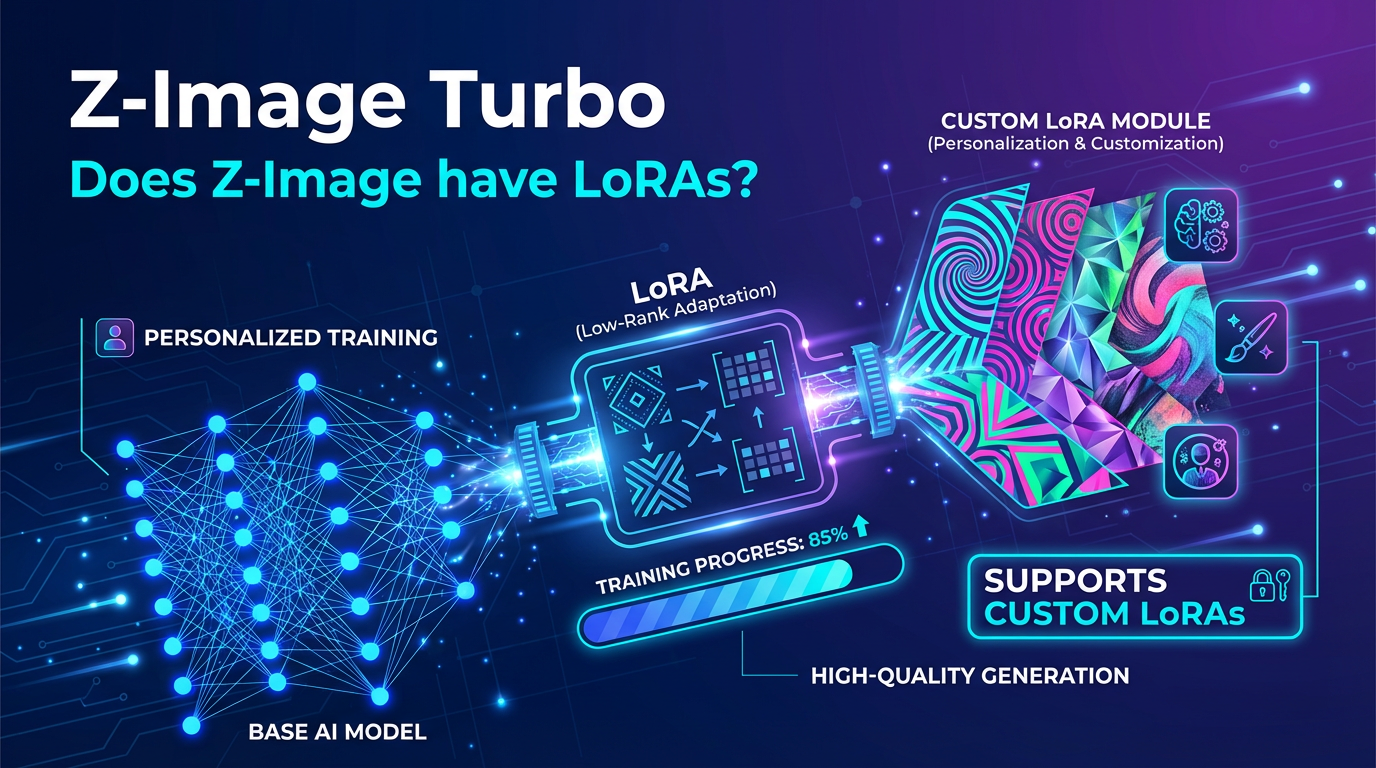
The definitive answer, based on emerging community practices and successful demonstrations, is a powerful affirmative: Yes, you can train a Z-Image Turbo LoRA with the available distilled model today [1]. This confirmation means the Z-Image Turbo model is not just fast; it is also flexible, ready to be infused with custom styles, characters, and aesthetic preferences via the highly effective Low-Rank Adaptation (LoRA) technique. The Z-Image Turbo generator is the perfect tool for fast, personalized creation.
While the open source community is eagerly awaiting the base model to come out—a release that will likely produce even better results when training LoRAs and checkpoints [1]—the current, distilled version of the Z-Image Turbo model is fully functional for custom training purposes. This capability instantly elevates the Z-Image Turbo model’s standing, moving it from an impressive curiosity to a vital professional tool capable of highly tailored output. This comprehensive exploration will meticulously outline the steps, specialized requirements, and proven techniques necessary to train and deploy a custom Z-Image Turbo LoRA, ensuring that creators can harness the full power of this phenomenal new architecture. The fact that Z-Image Turbo does support LoRAs fundamentally changes the workflow for high-speed content generation. For more information, visit the official page at https://z-image.ink.
The Essential Infrastructure for Z-Image Turbo LoRA Training
Training a Z-Image Turbo LoRA, while conceptually simple, requires a specific, powerful computing environment distinct from the low power GPUs on which the Z-Image Turbo model performs its rapid inference. Training necessitates substantial parallel processing capability to efficiently map new concepts onto the model’s existing six billion parameters.
To initiate the training process for a Z-Image Turbo LoRA, the choice of hardware and software deployment is paramount:
1. Hardware Selection: The training process requires significant VRAM and computational throughput. The demonstration of successful LoRA creation leveraged an RTX 5090, which is confirmed to be sufficient for training this model [1]. This hardware focus ensures that the training job completes in a timely and cost-effective manner. While the inference of the Z-Image Turbo generator is highly accessible, the training of a Z-Image Turbo LoRA remains an intensive task requiring dedicated resources.
2. Specialized Toolkit Deployment: The software layer is where compatibility with the Z-Image Turbo model is secured. The method demonstrated utilizes the Ostris AI toolkit latest template deployed through a cloud service like RunPod [1]. Users must accurately search and select the Ostris AI toolkit latest template to ensure all the necessary dependencies and specialized files required by the Z-Image Turbo architecture are correctly instantiated [1].
3. Resource Verification: Prior to deployment, users must ensure they have sufficient space on the disk; however, the source suggests that the defaults should be fine [1]. After confirming the template and resources, one simply clicks deploy on demand to instantiate the environment necessary for building a Z-Image Turbo LoRA [1].
This setup establishes the secure and specialized environment where the new knowledge will be imprinted upon the already highly efficient Z-Image Turbo model. The success of the training process hinges on the correct deployment of this specific Ostris AI toolkit, which understands the unique architecture of the Z-Image Turbo generator.
The Dataset: Fueling the Z-Image Turbo LoRA
The foundation of any successful Z-Image Turbo LoRA lies in the dataset used to teach the model a new concept. The process is handled within the “data sets” section of the Ostris AI toolkit [1].
* Data Set Creation: A new data set must be created (e.g., named “teacher”) [1].
* Image Import and Reusability: Images defining the concept are imported. The source provides a clear indication of dataset reusability, noting that nine images used to train a Flux LoRA were reused to train the Z-Image Turbo LoRA [1]. This suggests that high-quality, concept-specific image sets are portable across different foundational models, even one as efficient as the Z-Image Turbo model.
* Captioning Flexibility: While captioning (adding descriptive text to each image) is an option, the successful training demonstration showed that the user did not worry about adding captions [1]. This flexibility suggests that the Z-Image Turbo training adapter is robust enough to infer visual concepts from a well-curated image set alone, further simplifying the task of creating a Z-Image Turbo LoRA.
Precision Training: Configuring the Z-Image Turbo LoRA Job
The meticulous configuration of the training job is where the LoRA is specifically adapted for the Z-Image Turbo model. This step requires careful adherence to the required architecture settings [1].
1. Job Naming and Trigger Word: The user must set a training name and, critically, define the trigger word [1]. This word is the command used later to activate the custom concept when generating images with the Z-Image Turbo generator.
2. Architectural Selection: The Key to Compatibility: To successfully integrate the LoRA with the Z-Image Turbo architecture, the user must select Z image turbo with the training adapter as the model architecture [1]. This specialized adapter manages the low-rank adjustments specifically for the Z-Image Turbo model’s efficient design.
3. Training Adapter Path Adjustments: A crucial piece of incremental knowledge from the training community is the necessity of checking the training adapter path. The creator of the application noted that they are testing a new training adapter, advising that users testing within the next week or two might need to simply change the path from a V1 to a V2 [1]. This dynamic detail underscores the ongoing optimization efforts specifically aimed at enhancing the LoRA training for the Z-Image Turbo model.
4. Linking Datasets and Prompts: The target data set (e.g., “teacher”) must be explicitly linked [1]. Additionally, test prompts are created to allow monitoring of the generated images while the job is training [1].
5. Execution Time: Once the job is created and started in the training queue, the elapsed time is efficient. Using an RTX 5090, training a Z-Image Turbo LoRA at 3,000 steps takes roughly about an hour or so [1]. This speed confirms the rapid training capacity facilitated by the “Z image turbo with the training adapter” [1].
Validation and Deployment: Utilizing the Z-Image Turbo LoRA Checkpoint
Once the training job is complete, the proof of success is in the visual validation and the subsequent deployment of the resulting LoRA file.
Monitoring Learning Progress:
By clicking on “samples,” users can observe how the Z-Image Turbo model began to learn the concept over time [1]. The samples initially reflect the original prompts with the LoRA not fully applied [1]. Then, as the training progresses, the characters slowly morph into the illustrated concept, ultimately looking “pretty good” [1]. This visual confirmation proves that the Z-Image Turbo model has successfully incorporated the new custom data.
Deployment Steps:
The trained asset is now ready for use in any workflow that leverages the Z-Image Turbo generator:
1. Downloading the Checkpoint: The user must navigate to the overview section of the job and then to the checkpoints to download this latest checkpoint [1]. This checkpoint is the completed Z-Image Turbo LoRA file [1].
2. Integration and Activation: The downloaded LoRA file is then loaded and used within your workflows [1]. To activate the customized concept, the user must ensure the specific trigger word is included in the image generation prompt [1]. The success of the deployment hinges on the correct loading of the LoRA and the inclusion of the trigger word, even if the user uses a slightly different trigger word than initially set, provided the data set and core settings remain the same [1].
The final output achieved with the loaded LoRA is highly impressive. The source demonstrates generating the prompt “a school teacher shooting a basketball smiling” [1]. The resulting output, informed by the custom LoRA, looks phenomenal [1]. This resounding success definitively answers the question, does Z-Image have LoRAs?—not only does it support them, but the combination yields results of exceptional quality and specificity.
Conclusion: The Phenomenal Potential of Z-Image Turbo LoRAs
The core inquiry—does Z-Image have LoRAs?—is answered with a clear demonstration of training success. The Z-Image Turbo generator, already heralded for its efficiency and phenomenal results [1], gains unparalleled customizability through the integration of LoRAs. The ability to reuse existing image sets, the relatively short training time of “about an hour or so” for 3,000 steps [1], and the necessary specialized architectural selection (Z image turbo with the training adapter [1]) all contribute to a robust and efficient customization pathway.
The promise of the Z-Image Turbo model is its accessibility (runs well on low power GPUs) combined with professional-grade output. By supporting LoRAs, the Z-Image Turbo model ensures that creators can maintain high standards of quality and creative control without sacrificing the speed that defines its “Turbo” designation. While the community anticipates the base model release, the current capacity to train custom Z-Image Turbo LoRAs means that the future of personalized, high-speed image generation is already here.
David
Founder of Z-Image. Passionate about AI and technology. Exploring the boundaries of generative models and sharing insights with the community.