
How to Use Z-Image Turbo: Three Free Methods and The Fastest Way (Z-Image.ink)
How to Use Z-Image Turbo?
The AI image generation space is currently experiencing an efficiency revolution, marked by the recent arrival of powerful tools like S3 segmentation, SA 3D body models, and the much-discussed Flux 2 Dev. Amidst this rush of new releases, the Z-Image Turbo generator, developed by the Alibaba group, has emerged as a powerhouse. It is a text-to-image model that claims it can surpass all previous models we have seen, including Flux 1, Flux 2, and Quen Image, in key performance metrics.
The Z-Image Turbo model achieves this superiority through its highly optimized architecture, having been trained using only six billion parameters. Despite this comparatively low parameter count, it offers a second inference latency and excels in photo-realistic image generation. It is specifically designed to work well with consumer GPUs.
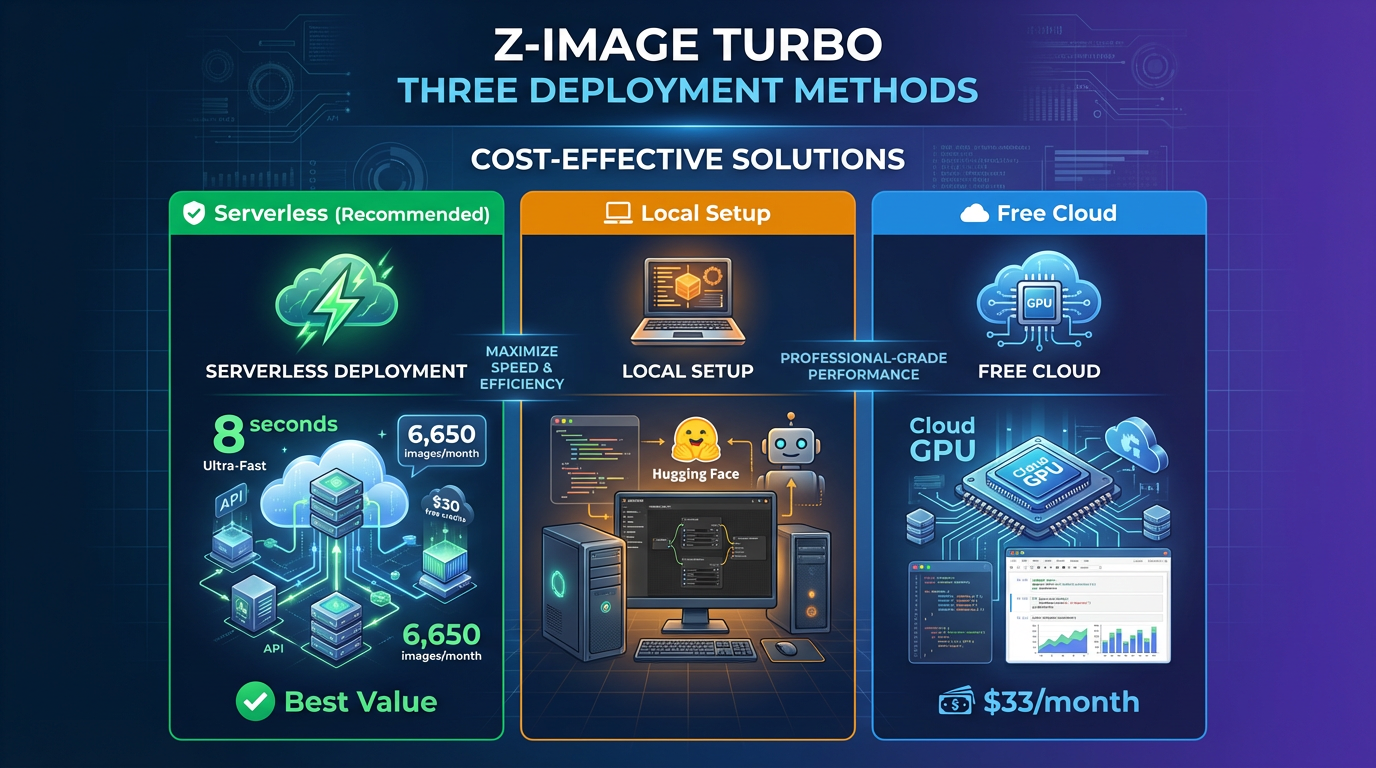
For professional creators focused on maximizing speed and cost-effectiveness, choosing the right method to deploy Z-Image Turbo is crucial. Below, we detail three practical ways to access the Z-Image Turbo generator, with a strong emphasis on the most efficient and budget-friendly solution.
Why Z-Image Turbo is the New Standard
Before deployment, it is vital to understand the core advantages that make Z-Image Turbo a compelling choice over models like Flux 2 Dev:
- Unmatched Speed and Efficiency: As a “Turbo” version, the Z-Image Turbo generator is designed to meet or exceed competitors’ quality with only eight number of functional evaluations. This configuration, utilizing low steps (6 to 8 steps recommended) and a CFG value set to 1, reduces the generation time dramatically. In comparison, running Flux 2 Dev may take around 14 minutes to generate one image, whereas Z-Image Turbo can generate an entire prompt list of images in that same short amount of time.
- Superior Quality and Realism: The Z-Image Turbo model excels in photo-realistic image generation, particularly in portraiture, where the skin texture and overall quality are “far beyond those models” like Flux and Flux Assio. The model is robust enough to handle complex details, creating consistent poses and accurate fingers.
- Prompt Adherence and Control: Z-Image Turbo supports bilingual text rendering (English and Chinese) and demonstrates a good prompt adherence with reasoning capabilities. It even supports JSON prompting, allowing granular control over details like lighting and colors.
Three Methods for Running Z-Image Turbo
Method 1: Recommended — Serverless Deployment for Max Efficiency (Via Z-Image.ink)
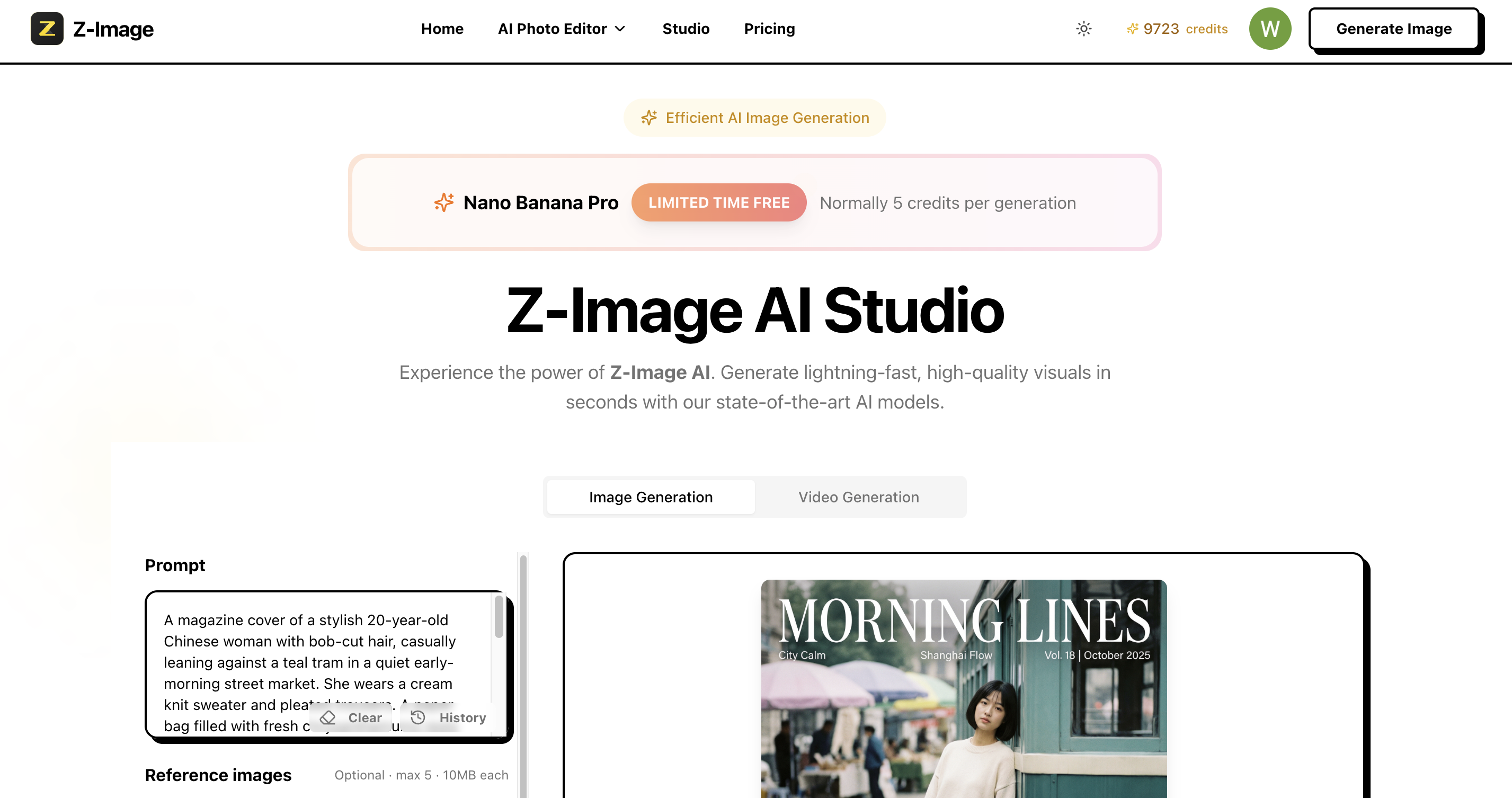
The most recommended path for professionals seeking high speed, reliability, and the lowest operational cost is running the Z-Image Turbo model via a serverless platform, which is the underlying technology of https://z-image.ink.
The Cost Advantage: The high efficiency of the Z-Image Turbo model translates directly into lower running costs. Deploying a serverless application (like Modal) allows you to generate approximately 6,650 images per month for about $33. Furthermore, new users on platforms like Modal can receive $30 of free credits each month, essentially allowing you to generate thousands of images for free during the promotional period. This makes the Z-Image Turbo generator incredibly cost-effective.
Deployment Overview: This method typically involves using a serverless platform to host the Z-Image Turbo Python file. This setup allows the application to go idle when not in use and quickly wake up to process requests. Generating a 1-megapixel image takes around 8 seconds with this setup.
Why Choose Z-Image.ink? While manual deployment on a serverless platform is possible, leveraging https://z-image.ink provides an optimized, ready-to-use access point for the Z-Image Turbo generator, allowing you to bypass the complex manual configuration. This ensures you immediately benefit from the Z-Image Turbo model’s second inference latency and exceptional cost efficiency.
Method 2: Local Deployment and Custom Workflows (ComfyUI via Hugging Face)
For advanced users who prefer full control and customization, deploying Z-Image Turbo locally using ComfyUI is the solution. The necessary model files are hosted on Hugging Face.
File Requirements (Hugging Face):
- Diffusion Model: Download the Z-Image Turbo BF16 version or the FP8 version. The FP8 version is specifically recommended for users on machines with 12 GB or less VRAM.
- Text Encoder: This requires the Quen 3 text encoder, which has a weight of 8 GB.
- VAE: The model uses the Flux 1 VAE.
ComfyUI Setup: Once downloaded, files must be correctly placed in the corresponding ComfyUI subfolders (e.g., the diffusion model in the diffusion models folder). The basic workflow can be found in the Hugging Face Comfy Repo.
Key Settings: Since this is the “Turbo” version, you must set the CFG to 1 and the steps to 9 (or 6 to 8 steps, depending on the model version) to achieve reduced generation time. Additionally, using an LLM to pad your prompts is officially suggested to achieve better results with the Z-Image Turbo model. Users may also need to update their ComfyUI and custom nodes (like the GGF loader) to ensure compatibility.
Method 3: Free Cloud Access (Google Colab)
If you are looking for a completely free way to test the speed and quality of the Z-Image Turbo generator, Google Colab is an excellent choice.
Process: Google Colab is a hosted Jupyter notebook service that provides free access to computing resources. Users can upload the Z-Image Turbo Jupyter notebook, click connect, and run the blocks of code. You edit the prompt in the third code block to generate your images.
Speed and Limitations: The first run will take longer (around 1 minute) as the application needs to load into memory. However, subsequent generations will be faster. The main drawback of this method is that it cannot be automated like the Serverless option.
Conclusion
The Z-Image Turbo generator represents the future of efficient AI creation, delivering photo-realistic images and strict prompt adherence while maintaining low resource requirements. It has proven to surpass models like Flux 2 Dev in critical areas of speed and output quality.
For professionals prioritizing ease of use, guaranteed speed, and cost efficiency, the Serverless approach via https://z-image.ink is the superior choice. You gain immediate access to the model’s high performance and can capitalize on the limited-time free credits available for high-volume generation.
Start leveraging the speed and quality of the Z-Image Turbo generator today by visiting https://z-image.ink.
David
Founder of Z-Image. Passionate about AI and technology. Exploring the boundaries of generative models and sharing insights with the community.